Run the icoFoam Solver
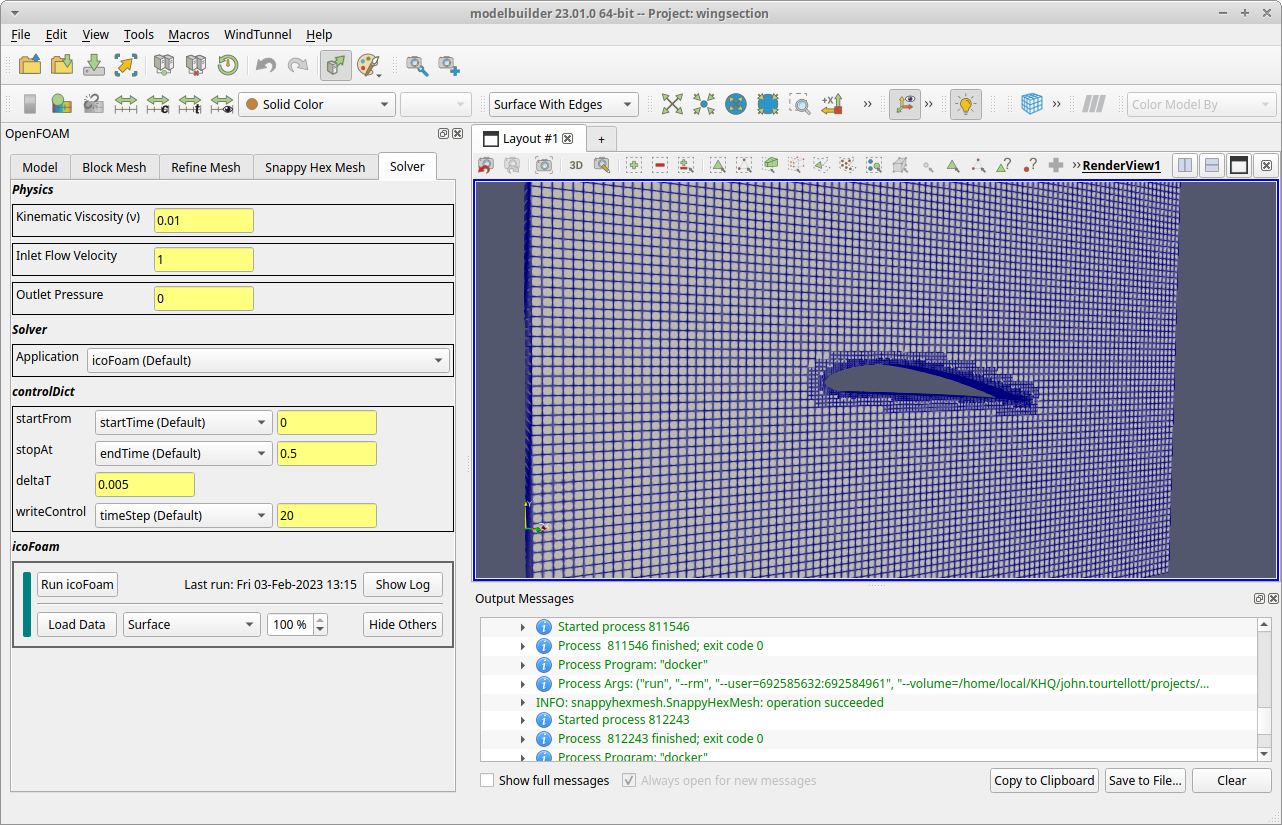
This example uses the OpenFOAM icoFoam utility which solves the incompressible laminar Navier-Stokes equations. The main outputs are the pressure and velocity fields computed at each point (node) in the analysis mesh. To run icoFoam, go to the Solver tab, which has four sections organized vertically:
The Physics section is used to set properties for the inlet and outlet surfaces and the fluid viscosity.
The Solver section is used to set which OpenFOAM solver to use. In this version of modelbuilder, we only support the icoFoam solver.
The controlDict section is used to set the simulation time and output controls. (The term controlDict is the name of the OpenFOAM file that stores this data.) Use the default values until you get an idea of how long the solver runs on your machine.
The icoFoam section is the control view to run the solver.
1. Set the Physics
Because this is a limited demonstration, there are only a few options in the Physics section: the fluid viscosity, the inlet flow velocity, and the outlet pressure. The default values represent a very slow flow in order to avoid numerical stability issues that would occur due to the relative coarseness of the mesh. (For these settings, the max Courant Number is less than 0.7.) Try the current values before experimenting on your own.
2. Run the Solver
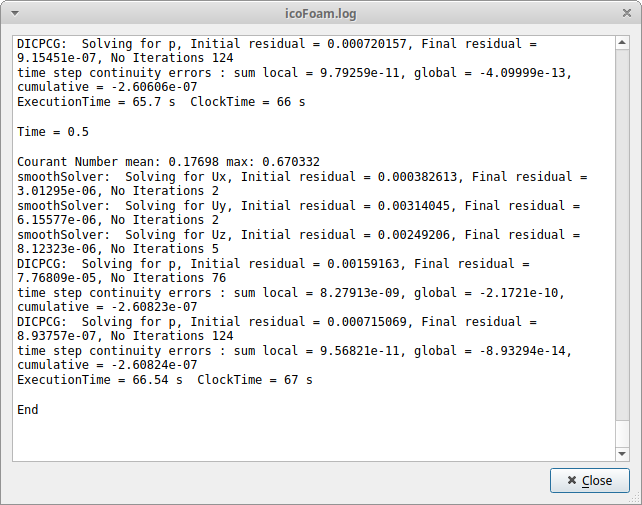
In the icoFoam (bottom) section, click the Run icoFoam button. The solver could take several minutes to run while the log is displayed in a pop up dialog. The simulation time settings are in the Control tab and default to computing 0.0 to 0.5 seconds with a time step of 0.005 sec and output every 20 steps (0.1 seconds). The simulation is done when the log shows the residuals and related data for “Time = 0.5” followed by the single line with the word “End”. Close the dialog when the solver is done.